
Solstice Editing Workshop
About
Solstice Editing workshop2 sessions of 5 hours
Saturday June 20 and Sunday 21 from 11.00am-4.00pm
$400
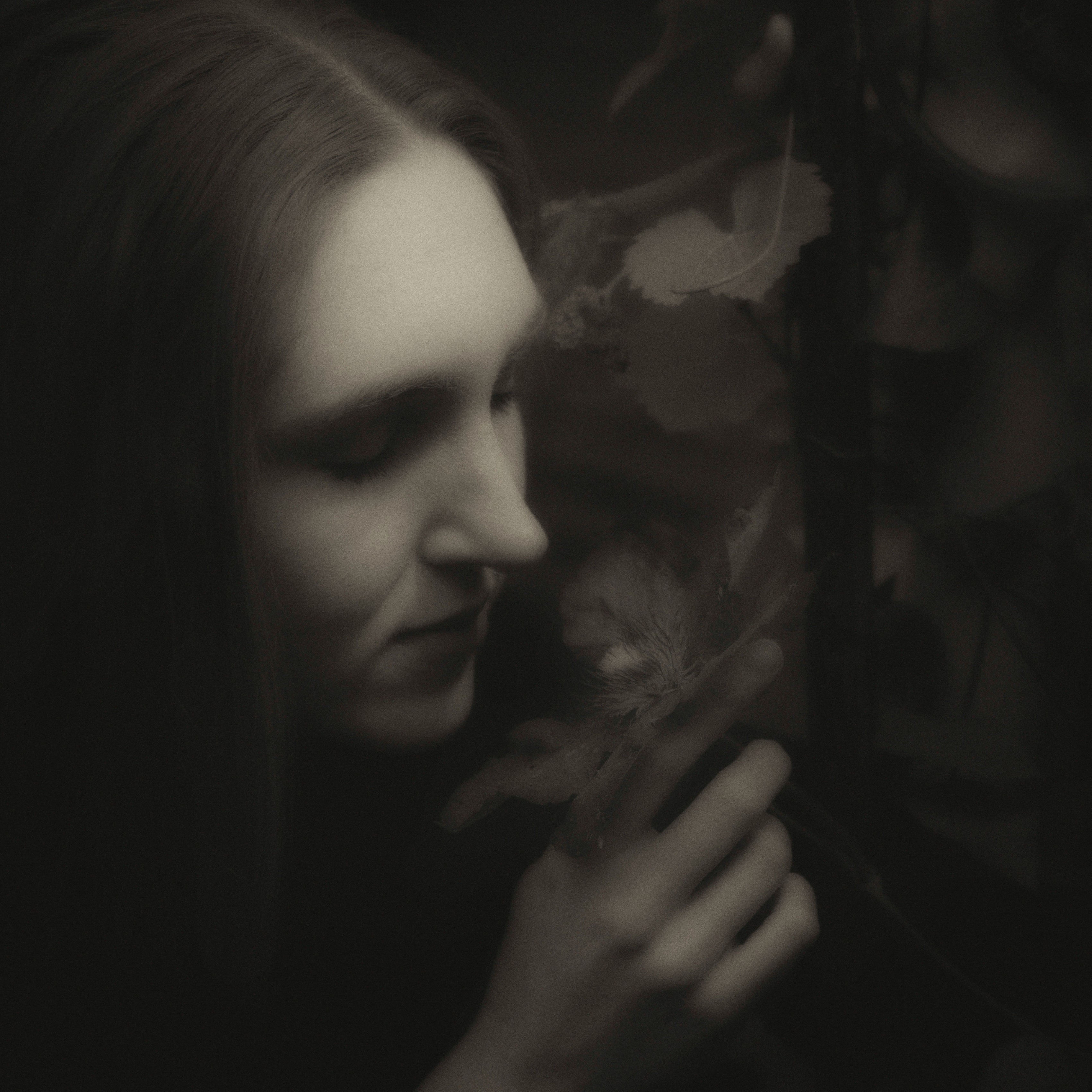
Come and join me with a small group (up to 6 people) as I show you how to start editing your photographs using Lightroom Classic and Photoshop. There is something special about watching your photographs become fine art or fine portrait images.
Here is what you will learn:
You will learn how to edit your photographs in Lightroom (or Lightroom Classic) and Photoshop. This is an introductory and intermediate workshop. Each day we will focus on a different style of photography; portrait and street photography. You will be editing the images that you take in the workshop. The skills that you learn can be used in all forms of photography.
Saturday June 20
• Why do we need to edit our photographs?
• Understanding subject, content and form
• Understanding your camera
o ISO, shutter speed, exposure (f-stops)
o Editing in camera
o Focussing
• Lightroom Classic:
o Setting up a catalogue
o Workflow
o Downloading images and importing into Lightroom
o Lightroom editing tools
o Working in colour and B&W
• Photoshop
o Opening an image in PS
o Layers
o Adjustment layers
o Adding textures
• Photo shoot
o Shooting a sequence
o Saturday we will shoot portraits
o Sunday we will do a street walk and photograph details from the walk
o
• Visual references: examining other artist's work
What you will need to bring with you:
1. A notebook computer with Adobe Lightroom (or Lightroom Classic) and Adobe Photoshop software already loaded and functioning. If you don’t have that already you can download it from the internet. A mouse for your computer as we will be doing some precision work.
The most economical plan is the photography package which offers you Lightroom and Photoshop for $30.99 per month ($371.88/yr) which gives you full versions of both for desktop, mobile and web; 1TB cloud storage and 1,000 monthly generative credits. You also get a 7-day trial. Go to https://www.adobe.com/au/creativecloud/photography/compare-plans.html to view their plans.
2. Lunch on each day.
3. On the Sunday we will be taking photographs whilst on a street walk.
Dates
Saturday 20 June 2026 - Sunday 21 June 2026 (UTC+10)Location
Ballarat North Bowling Club
402 Gregory St, Ballarat VIC 3350

Contact Form
Solstice Editing Workshop

Resend recently purchased tickets to our events to your email.
Enter email to start search
You can review the event organiser's terms and conditions here.