
MakerSpace skills: DesignTech
About
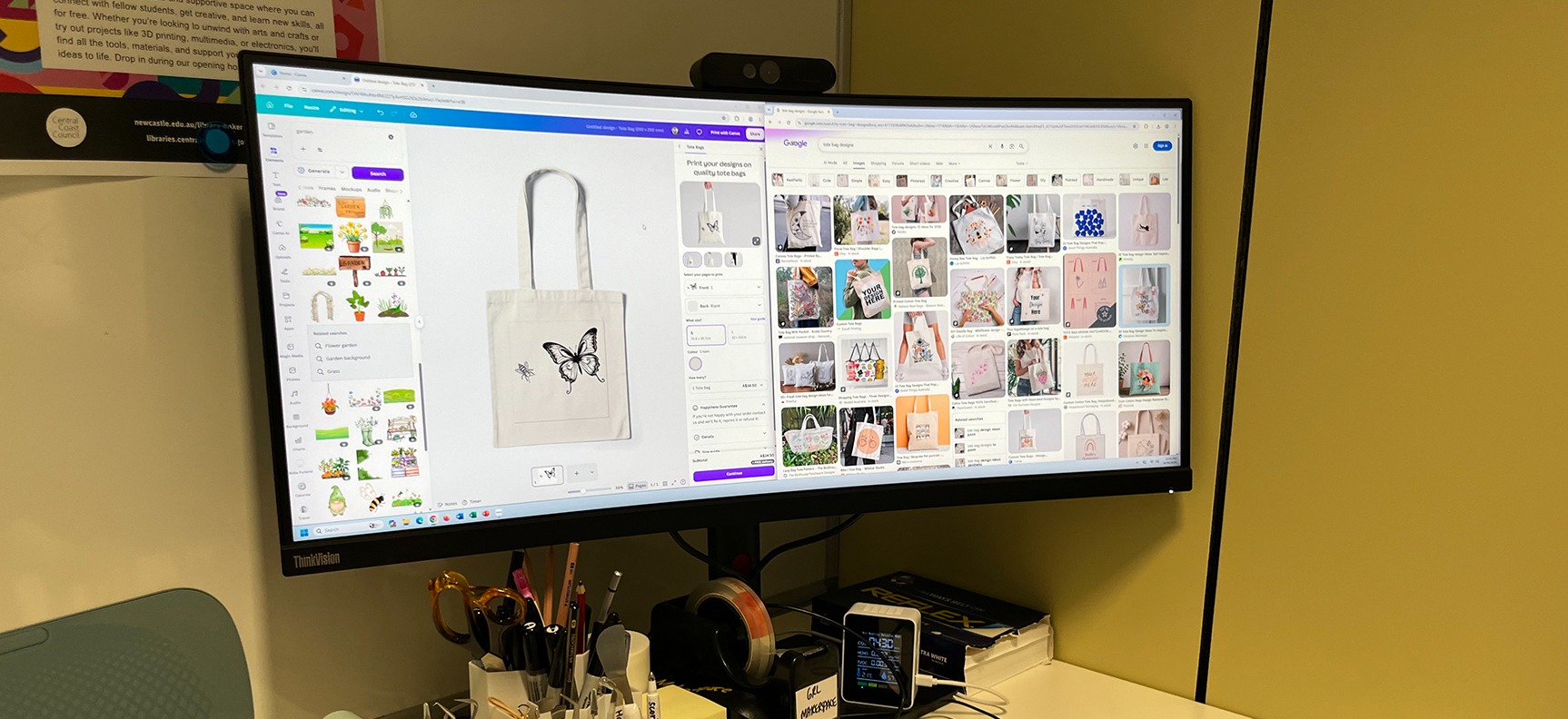
Explore how Canva can be used to create a range of digital media for physical fabrication. This information session introduces basic digital design tools that support making across our equipment such as card-making, t-shirt design, stickers, and badge-making. Learn how to create designs and export to SVG/PNG for our MakerSpace machines.Available sessions:
• Tuesday 4th August, 1pm-3pm
Note: These sessions are for participants aged 16 years or older, and participants may need to create their own accounts on the software, using their personal email address.
About MakerSpace Skills sessions:
Build your capability using MakerSpace equipment. These information sessions focus on how to operate the machines, core workflows, and the software used in the space. Participants will work in small groups around each machine and have access to an individual library laptop.
These workshops are designed as skill-building and information sessions and not project-based activities, helping prepare participants for independent use during MakerSpace Access.
Optional: A 30-minute MakerSpace safety induction will be offered in the final part of the session for those interested in joining MakerSpace Access. MakerSpace Access is our self-led creative format, where you independently use the equipment for your projects. This operates Monday to Thursday from 10am-3pm during the university semester.
Bookings essential. Book online from this page, ask in any library branch, or phone 4304 7500.
Dates
Thursday 23 July 2026 - Tuesday 4 August 2026 (UTC+10)Location

Gosford Regional Library
Gosford Regional Library, 123A Donnison St, Gosford NSW 2250

Choose date
Select a date
Key
Available
Not available
Past session
Loading...

Contact Form
MakerSpace skills: DesignTech

Resend recently purchased tickets to our events to your email.
Enter email to start search
You can review the event organiser's terms and conditions here.