
PHOTO EDITING WORKSHOP WITH ADOBE LIGHTROOM (SOLD OUT)
Location
About
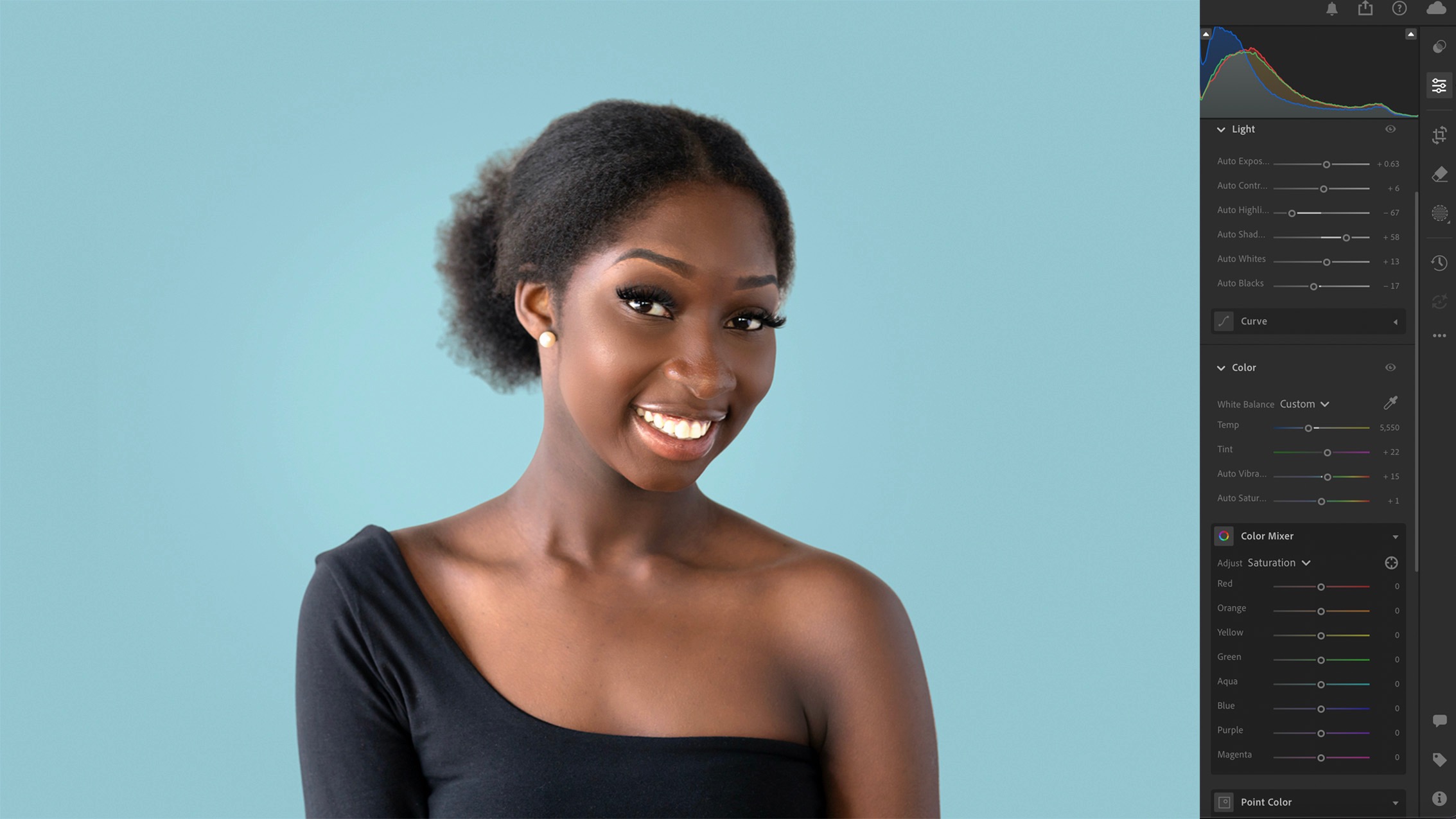
You’ve taken some great photos… but they still don’t look quite how you imagined.
You’ve probably tried watching YouTube tutorials, but they can be confusing, move too fast, or use a completely different version of Lightroom. And when you get stuck, there’s no one there to help.
This in-person Adobe Lightroom photo editing workshop is designed to change that.
In a relaxed, small-group environment, I’ll guide you step-by-step through the essential Lightroom tools and techniques so you can confidently edit your own images and bring your photos to life.
What We Will Be Covering:
1. Importing And Organisation
How to get photos into Lightroom and choose the images worth editing.
2. Light And Exposure
Learn how to correct exposure, recover detail and balance light in your images.
3. Colour And White Balance
Understand how to correct, enhance, and improve colour.
4. Contrast, Texture & Clarity
Learn how to add depth and punch and ‘pop’ for maximum impact.
5. Detail And Sharpening
Sharpen your subject, reduce noise, and finish your image like a pro.
6. Black And White
Learn how to edit and create beautiful black and white images.
7. Removing & Retouching
Remove spots, blemishes, dust, or unwanted objects and make your photos flawless in seconds.
8. Masking
Learn Lightroom’s most powerful tool to brighten, darken, or emphasise parts of your image easily.
9. Using Presets
Using and finessing presets to achieve unique looks and finishes
10. Exporting
How to properly export your photos so they look their best wherever they’re viewed.
Yes editing can seem overwhelming, but once you know what the key adjustments are and why we use them your results will be better than you thought possible. Finally it’ll make sense and you’ll be able to build on the knowledge you gained here and never look back. And the great thing is, once you understand Lightroom you’ll probably never have to learn Photoshop or take a Photoshop class as Lightroom now can handle just about all of our photo editing needs.