Features · Box Office
Take paymentsin personwith ease
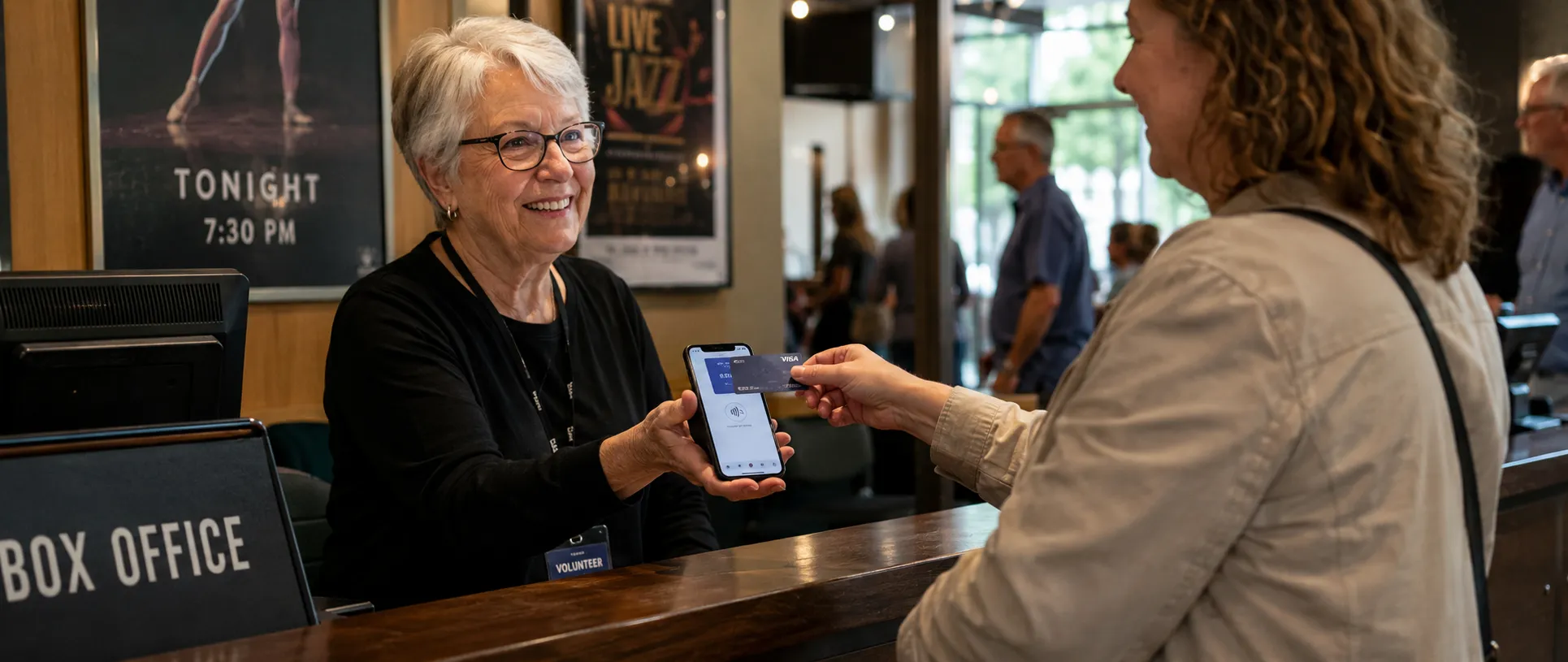
Easily take payments for tickets, merchandise, food and drinks in person on your smartphone with the Box Office App.
 Download for iPhone
 Download for Android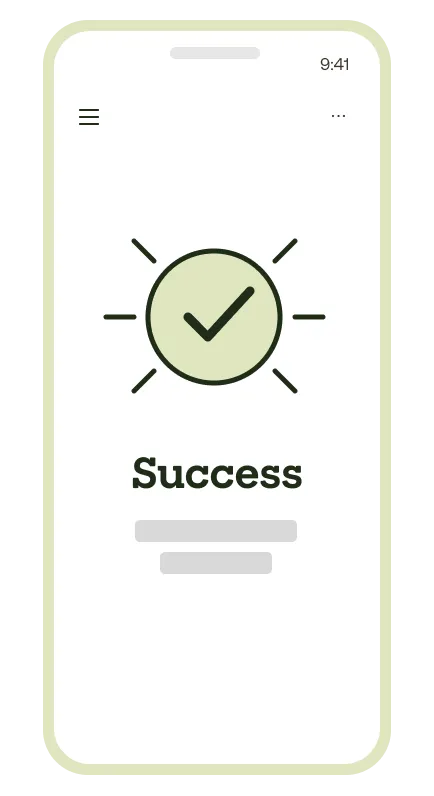
tap to pay, right at the door
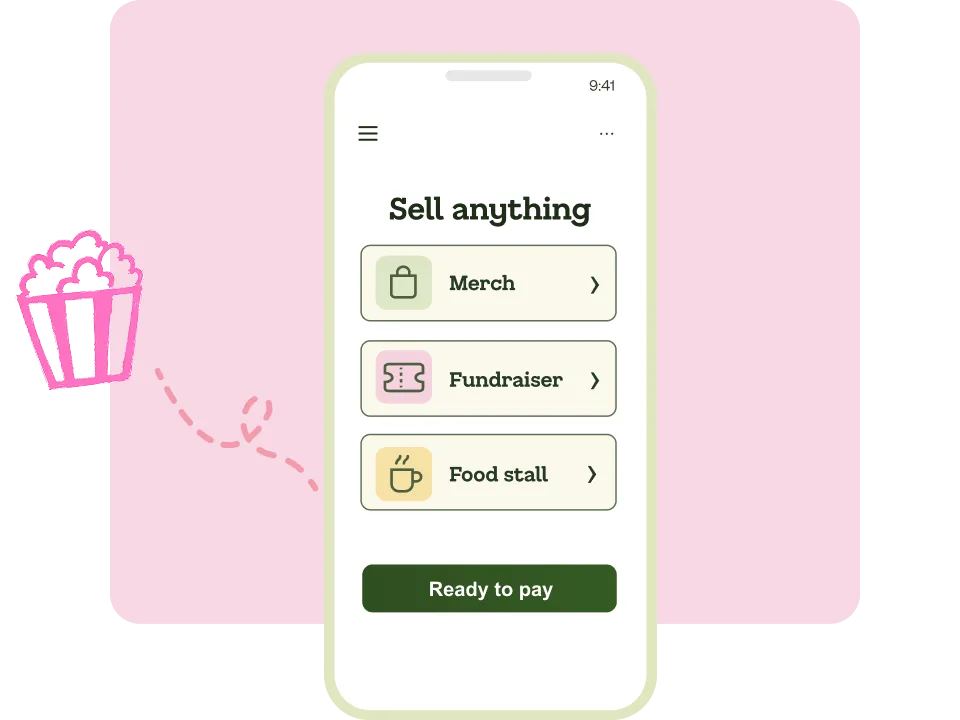
Sell more than just tickets
Set up product lines for merchandise, food, drinks, and extras. Process everything through the one app and track all revenue in your TryBooking dashboard.
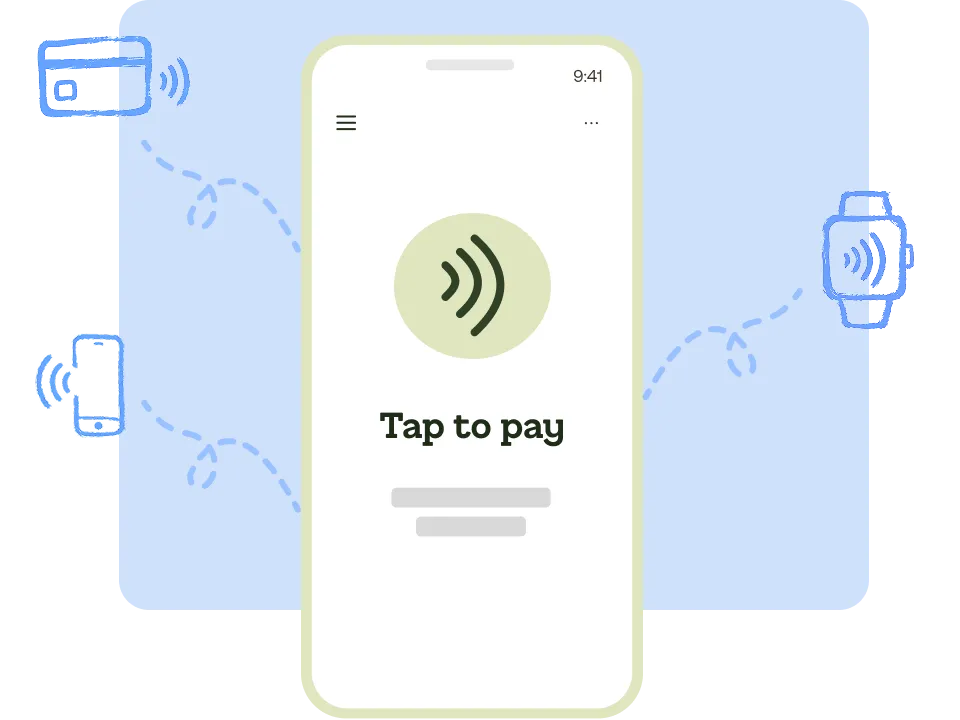
Accept card, cash, and contactless payments
Take payments however your buyers want to pay. Card, cash, Apple Pay, Google Wallet – all from your phone, no extra hardware needed.
Sell walk-up tickets on the spot
Turn your phone into a portable box office. Sell tickets at the door for any event – from school fetes to major concerts. Online and in-person sales share the same real-time inventory.
Box Office App vs a traditional box office
See why event organisers are leaving their old ticket desks behind.
| Box Office App | Traditional box office | |
|---|---|---|
| Hardware | Your own phone or tablet – nothing extra to buy. | Dedicated POS terminals, ticket printers, and card readers. |
| Upfront cost | Free to download, no setup fees. | Typically $500–$2,000+ per terminal, plus installation. |
| Setup time | Download the app, sign in, sell – under 5 minutes. | Install, configure, train staff – often days of work. |
| Payment methods | Card, cash, Apple Pay, Google Wallet, smartwatches. | Usually card and cash; mobile payments need upgraded hardware. |
| Online + in-person inventory | Shared in real time. No double-selling, no reconciliation. | Separate systems. Manual reconciliation after the event. |
| Merchandise and food sales | Sell tickets, merch, food, and drinks from the same app. | Usually a separate product register or cash-only. |
| Where you can use it | Anywhere – gate, roaming, backstage, at the bar. | Fixed at the ticket desk. |
| Reporting | Live sales dashboard on your phone and desktop. | Export from terminal software after the event. |
Game-day sales without the queues
"It was brilliant to sell tickets in person on our own devices, right there at the rink. On game day every minute counts, so taking payments and handing over tickets at the door kept our queues moving and our volunteers calm. Truly a lifesaver."


FAQ
Use the Box Office App when you want mobile, walk-up sales – selling at the gate, roaming through a crowd, or running multiple sellers on phones and tablets. Use Box Office Web (in any browser) when you want a fixed sales desk with a TryBooking-hired terminal and ticket printer. Most events run on the app; choose web when you need a dedicated POS setup.
The app is available for free on the App Store and Google Play. Download it, sign into your TryBooking account, and you’re ready to start selling tickets in person.
Card, cash, Apple Pay, Google Wallet, and smartwatch payments. You can accept any payment method your buyers prefer, all from your own phone.
Android phones and tablets with NFC running Android 10 or above, and iPhones and iPads running a recent version of iOS. If you’re not sure your device is compatible, contact support and we’ll check for you.
Box Office is designed to work on your own smartphone or tablet – no extra hardware needed. Just download the app and start selling. If you need a traditional terminal with a built-in ticket printer, you can hire one from us instead.
Yes. You can hire TryBooking terminals for your event – head to our terminal hire page to choose what you need and arrange delivery.
No. You pay the same standard TryBooking fees whether you sell online or in person through Box Office. No extra charges, no subscriptions, no setup costs.
Start selling tickets in person today
Join thousands of event organisers who use TryBooking to sell tickets at the door.