Features · Scanning app
Make yourcheck-inssuper fast
Check in guests fast, track attendance in real time, and keep your lines moving!
 Download iPhone
 Download Android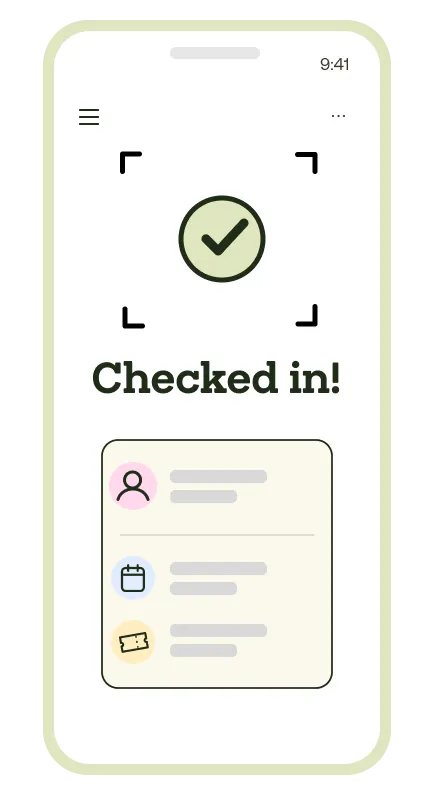
scan, beep, you’re in
Quietly doing the heavy lifting
Quick check-in
Scan tickets in seconds with our lightning-fast QR scanner
Offline mode
Keep scanning even without internet - syncs when back online
Custom reports
Track and oversee attendance with real-time analytics
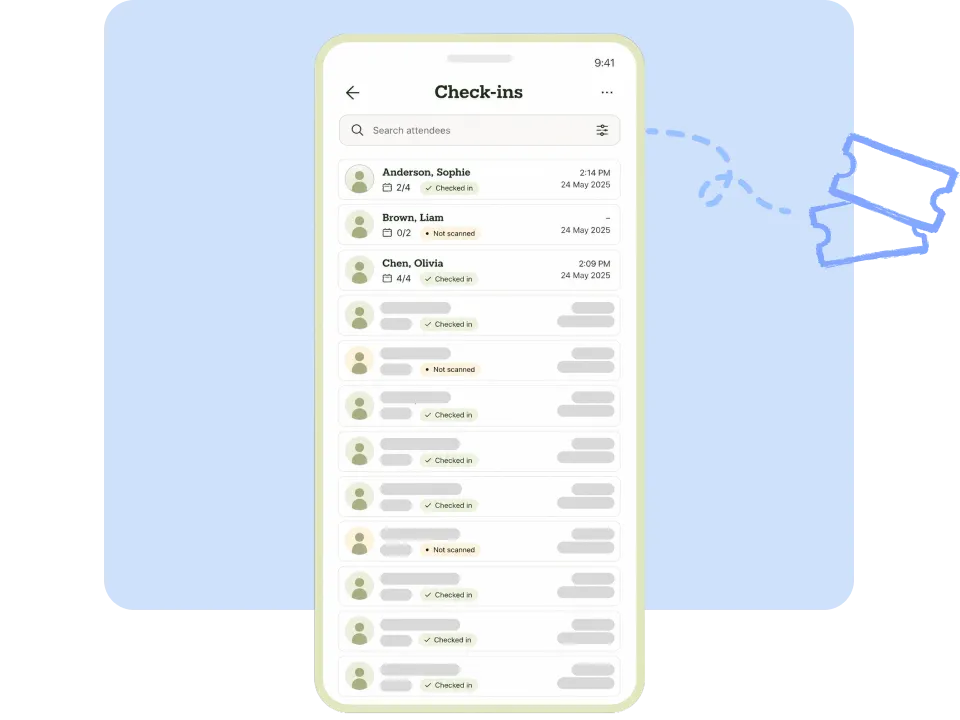
Flexible ticket check-in methods
Streamline your event entry process with QR scanning or manual search by name, email, or ticket number.
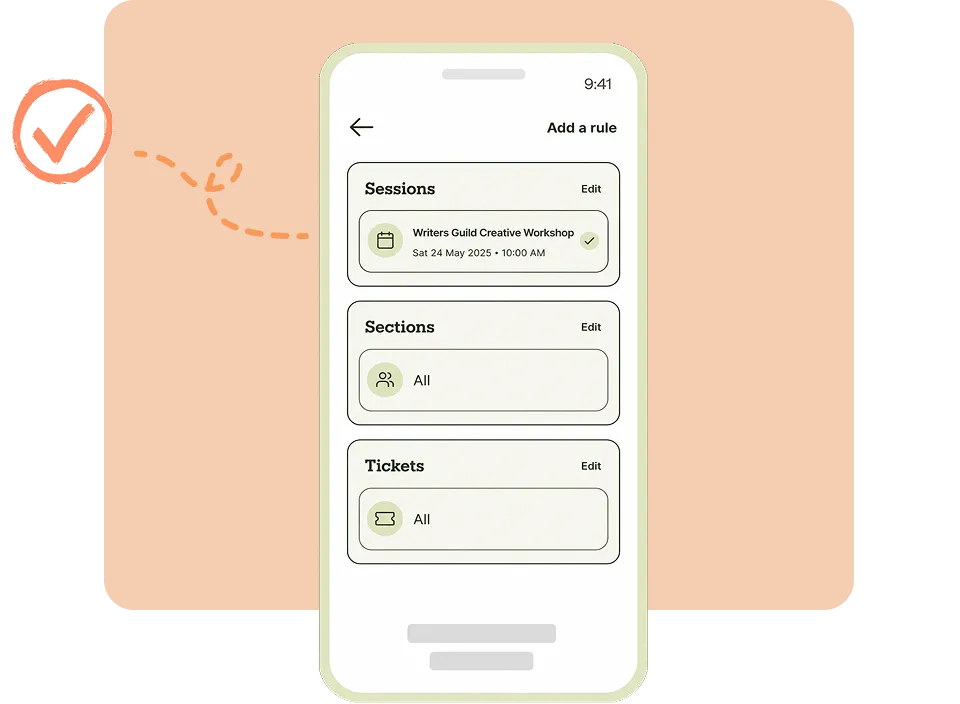
Control entry through advanced scanning rules
Set time-based scanning rules to prevent early or late check-ins. Perfect for multi-session events.
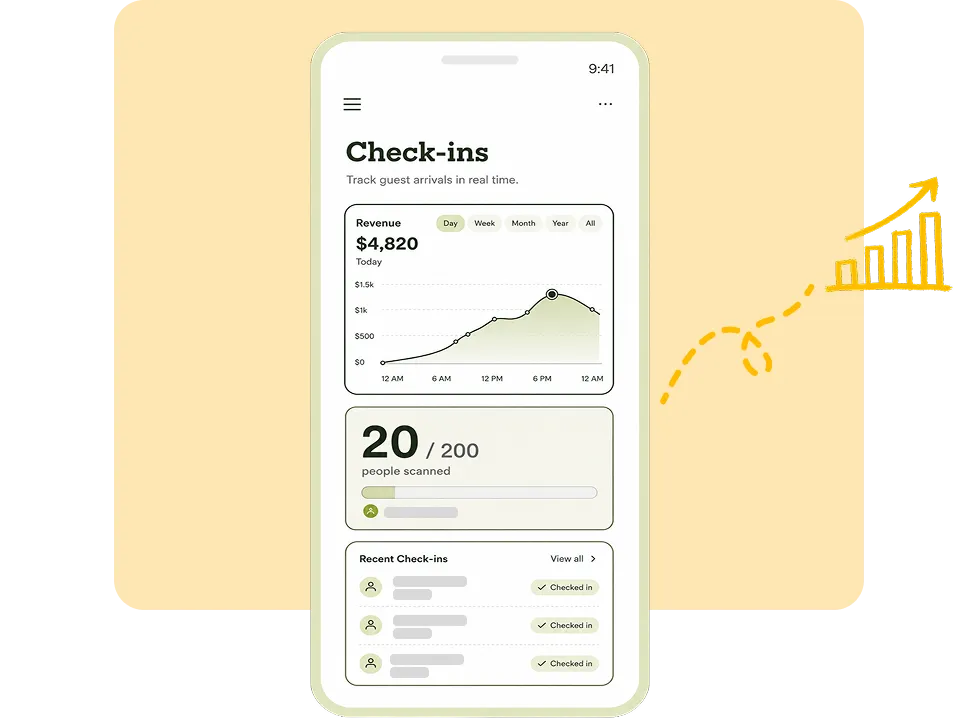
Track guest check-ins in real time
See live attendance numbers to manage entry flow and know exactly how many guests have arrived.
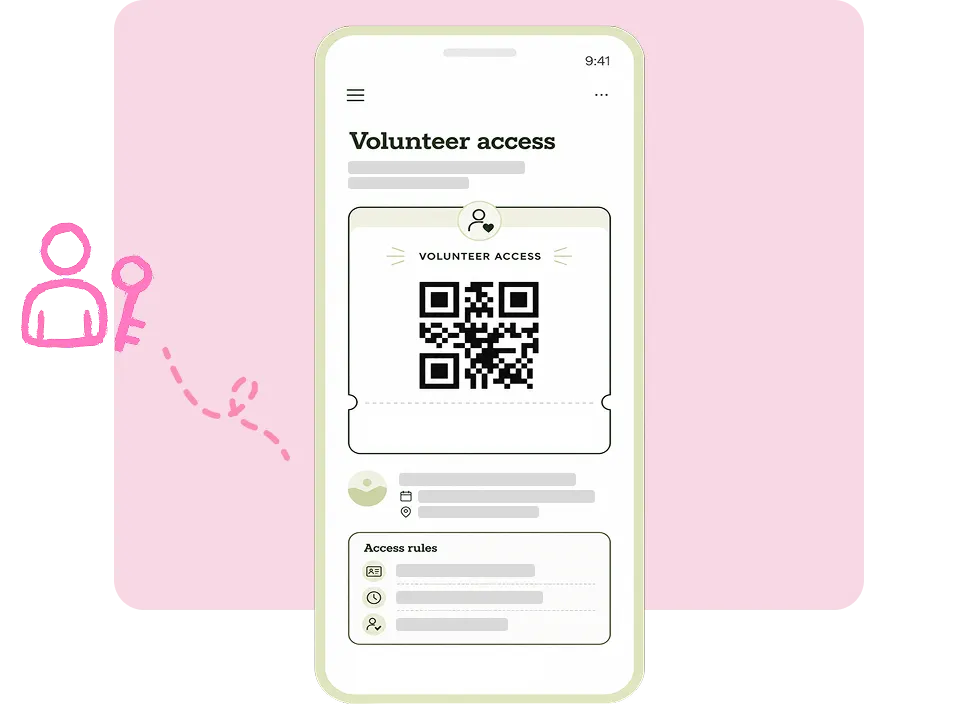
Set up volunteer access for your event
Give your team the right permissions so everyone can help on the day. Volunteers scan and check guests in without touching your account settings or sensitive data.
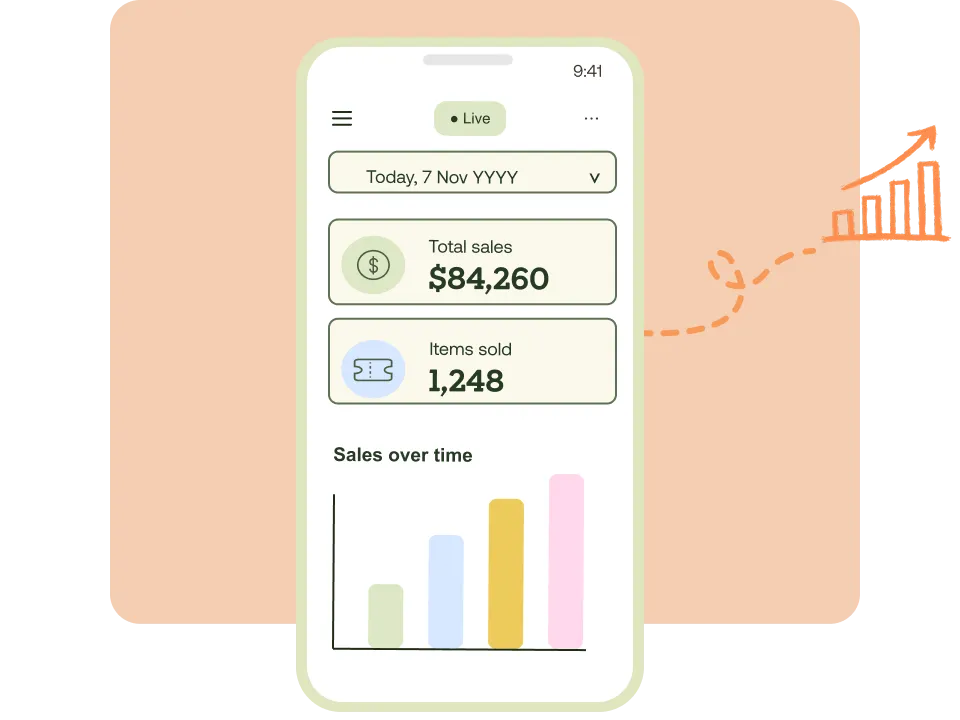
Track sales in real time
See exactly what’s selling, how much revenue you’ve made, and which products are moving – all live from your dashboard.
We used the scanning app for our game days
"Scanning spectators in on our own devices was quick and easy, even through the rush of a Finals weekend. People got through the gates faster, our volunteers spent far less time on manual checks, and we always had an accurate count of who was in the arena. Truly a time saver."


FAQ
Tickets are sent via confirmation email as a PDF. You can resend tickets if needed from your TryBooking account or by contacting the event organiser.
Yes, you can transfer your ticket to someone else. Simply forward the confirmation email with the PDF ticket attached, or contact the event organiser to update the attendee details.
Absolutely! Download the app, sign in with your TryBooking account, and you’re ready to start scanning tickets. Most teams are up and running in under 5 minutes.
The Scanning App works on iOS (iPhone and iPad) and Android devices. Any smartphone or tablet with a camera can scan QR codes.
Speed up event check-in
Join hundreds of thousands of event organisers already using TryBooking.