Event program creation guide
A well-structured event program keeps your audience informed, your team aligned, and the day running smoothly. This guide covers everything from deciding what to include in your program to managing last-minute changes on the day.
What should an event program include?
An event program is a document – printed, digital, or both – that outlines what’s happening, when it’s happening, and who’s involved. The level of detail depends on the event type, but most programs cover the same core elements.
Timing and schedule
The backbone of any program is a clear timeline. This means session start and end times, break periods, meal or refreshment windows, and the overall wrap time. Be specific: “9.30am – Welcome address” is more useful than “morning session.”
Speakers and presenters
For conferences, forums, and formal dinners, include speaker names, titles, and a brief one or two-sentence bio. This helps attendees decide which sessions to prioritise and gives speakers the recognition they’ve earned.
Sessions and activities
List each session with its title and a short description – one or two sentences is enough. For multi-track events, make it obvious which sessions run in parallel and where they’re located. Room names or venue maps help attendees navigate without hunting for a staff member.
Housekeeping and logistics
Practical information belongs in the program too: Wi-Fi details, emergency exits, accessibility facilities, parking, and where to find food and toilets. These details reduce interruptions and make attendees feel looked after.
Sponsors and acknowledgements
If you have sponsors or community partners, the program is a natural place to acknowledge them. A dedicated page or section at the back keeps it tidy without cluttering the schedule.
Should I use a run sheet, printed program, or digital program?
These three documents serve different purposes and different audiences. Many events use all three.
Run sheet
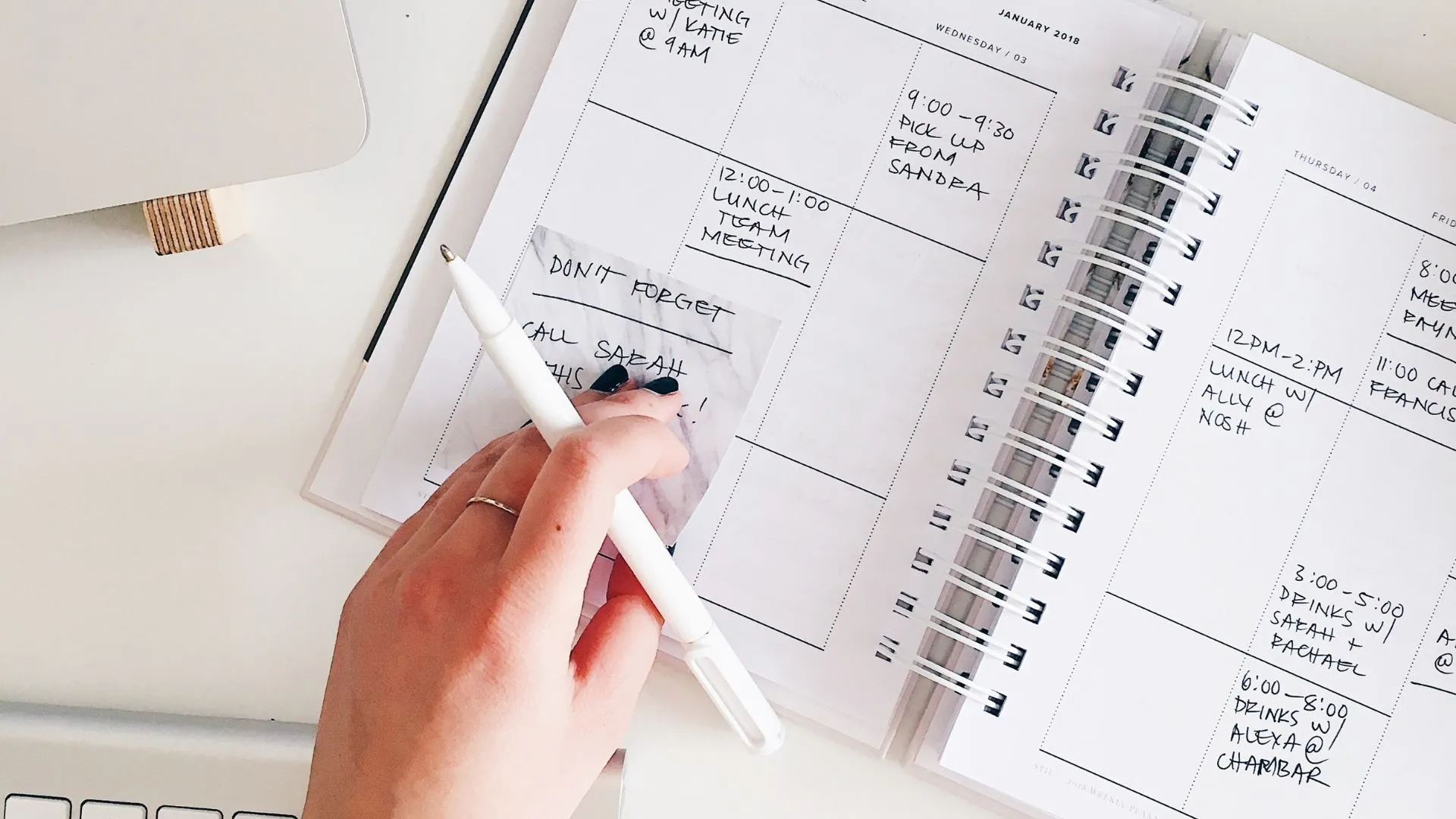
A run sheet is an internal operations document for your team and vendors. It’s more detailed than what attendees see – it includes technical cues (lights, AV, microphone changeovers), crew responsibilities, setup and pack-down times, and any contingency notes. Think of it as the behind-the-scenes script. Your MC, venue coordinator, AV technician, and volunteer leads should all have a copy before the event.
Printed program
A printed program is what you hand to attendees at the door. It gives them a physical reference they can follow throughout the event. Printed programs work well for formal events – awards nights, theatre performances, graduations, gala dinners – where the experience is part of the occasion. They’re also useful in venues with poor mobile reception.
The trade-off is cost and inflexibility. Print in advance and you’re locked in. Any last-minute changes have to be communicated verbally or via a separate handout.
Digital program
A digital program can be updated right up to the day. Options include a webpage, a PDF linked from your event confirmation email, or a simple one-pager hosted at a short URL that you include on signage at the venue. QR codes on entrance signs work well – attendees scan in and always see the current version.
Digital programs suit events where the audience is comfortable on their phones and the schedule may evolve. They’re also more cost-effective and better for the environment.
For most events, a combination makes sense: a printed program with the confirmed schedule, and a digital version (or a specific URL) where attendees can check for any updates.

How do I design an event program?
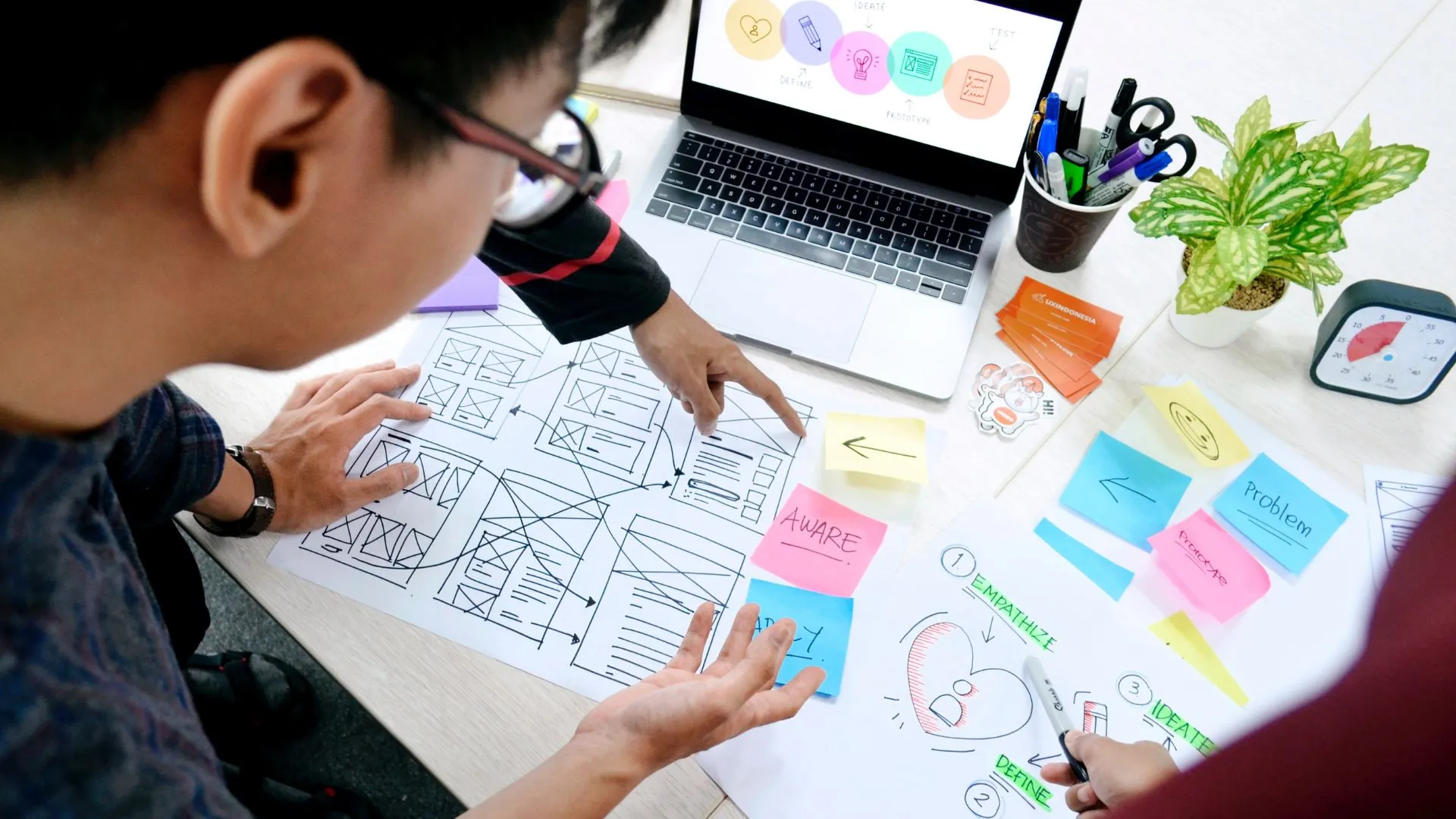
You don’t need a graphic designer to produce a professional-looking program. A few principles make the difference.
Structure before style
Finalise the schedule and content before you open any design tool. Trying to design and plan simultaneously creates inconsistencies and last-minute layout headaches.
Keep it legible
Use a minimum 11pt font size for body text, and 14pt or larger for session headings. High contrast between text and background is essential – pale grey on white is difficult to read in poor lighting, which is common at evening events.
Use a template
Canva has free event program templates that are easy to customise with your event’s branding, colours, and logo. If your organisation has brand guidelines, apply them here for a consistent look across your materials.
Include a clear time column
Whatever layout you choose, make the time column easy to scan. Running times down the left margin in bold, with session details alongside, is the most readable format for a schedule.
Print size and format
A4 bi-fold (folded to A5) is the standard for most events. Single-sheet A5 works for shorter programs. For formal events, an A5 booklet with a heavier cover stock looks polished and holds up through a long evening.

How do I get the timing right for my event program?
Getting the schedule right on paper is one thing. Making it work in the room is another.
Build in buffer time
Almost every event runs slightly late at some point. Rather than scheduling sessions back-to-back with no room to move, include a realistic buffer – five to ten minutes between sessions is usually enough. This gives your MC time to introduce the next speaker, allows attendees to move between rooms, and absorbs minor delays without throwing the rest of the day out.
Account for transitions
Every time something changes – a speaker finishes, the room reconfigures, AV equipment is switched – there’s a transition. Transitions take time. When building your schedule, count the transitions and add time for each. A two-minute AV changeover between every session adds up quickly across a full day.
Identify your hard stops
Some times are non-negotiable: a venue licence that requires music off at 11pm, a catering window that closes at 1pm, or an MC who has to leave by 4pm. Mark these clearly on your run sheet and communicate them to all relevant team members. They’re the guardrails your schedule has to work within.
Schedule your heaviest content strategically
Attention and energy levels dip after lunch. If you have a complex presentation or a long Q&A session, try to schedule it in the morning or early afternoon rather than the post-lunch slot. Save lighter content – announcements, entertainment, awards – for when energy is naturally lower.
Don’t overfill the day
A packed program can feel impressive on paper but exhausting in practice. Attendees need time to absorb information, have conversations, and recover between sessions. If you’re running a full-day event, build in at least two proper breaks (not just five-minute comfort stops) and a lunch break long enough for people to eat and talk.

How do I handle program changes on the day?
Even the best programs need adjusting once the event is underway. Having a process in place means changes get handled smoothly rather than causing confusion.

Communicate with your MC first
Your MC is your public-facing voice. Any schedule changes should go through them before being announced. Brief your MC before the event on how you want changes communicated, and give them a direct line to the event coordinator so they’re always working from the most current information.
Keep your run sheet live
Designate one person as the run sheet owner – someone who tracks real-time progress and updates the document as changes happen. This person should be in contact with all department leads throughout the event. If a session runs ten minutes over, the run sheet owner flags the downstream impact and decisions can be made before the audience notices anything is off.
Have a short-fill contingency
If a session finishes early or a speaker pulls out, you need something to fill the gap. A short video, a brief sponsor message, or an impromptu Q&A can bridge a five to ten-minute hole without it feeling like a mistake. Brief your MC on a few options in advance so they can call on them without hesitation.
Announce changes simply
If you need to tell attendees about a schedule change, keep it brief and factual: “We’ll be moving the afternoon keynote from 2.30pm to 3pm – the rest of the schedule is unchanged.” Attendees are generally understanding if they’re kept informed. What frustrates them is finding out mid-session that the schedule shifted without warning.
Update your digital program
If you’re using a digital program, update it as soon as a confirmed change is made. Attendees checking their phones during a break will see the correct information, which reduces the volume of questions your staff have to field.
How can TryBooking help with event programs?

If you’re using TryBooking to manage registrations, the attendee data you collect at the point of booking can inform your program planning. Dietary requirements, session preferences, and accessibility needs – gathered through custom booking questions – feed directly into how you structure your run sheet and allocate resources for each session.
When your event is confirmed, TryBooking’s automated confirmation emails are a natural place to include a link to your digital program or a PDF download. Attendees get everything they need in one place, and you avoid the overhead of sending a separate email closer to the event date.