Google Ads for events
Google Ads puts your event in front of people who are already looking for something like it. Unlike social media, where you’re interrupting someone’s feed, search advertising reaches people at the moment they’re actively searching – for a festival, a workshop, a conference, or an event in their city. That intent makes it one of the most effective paid channels for driving ticket sales.
This guide is written for event organisers, not marketing specialists. It explains the main campaign types, how to choose keywords, what to spend, and how to keep your campaign on track.
How does Google Ads work for events?
When someone searches on Google, an auction determines which ads appear and in what order. You bid on keywords – search terms relevant to your event – and pay when someone clicks your ad. This is called pay-per-click (PPC).
The actual cost per click depends on how competitive the keyword is and how relevant Google considers your ad to the search query. More relevant, higher-quality ads often cost less per click than poorly matched ones, even at lower bids. This is Google’s quality score system, and it means good creative work is genuinely rewarded.
All campaign setup, management, and reporting happens through Google Ads. You need a Google account to get started.
Which Google Ads campaign type should I use for my event?
Google offers many campaign types. For most event organisers, three are worth understanding.
Search campaigns
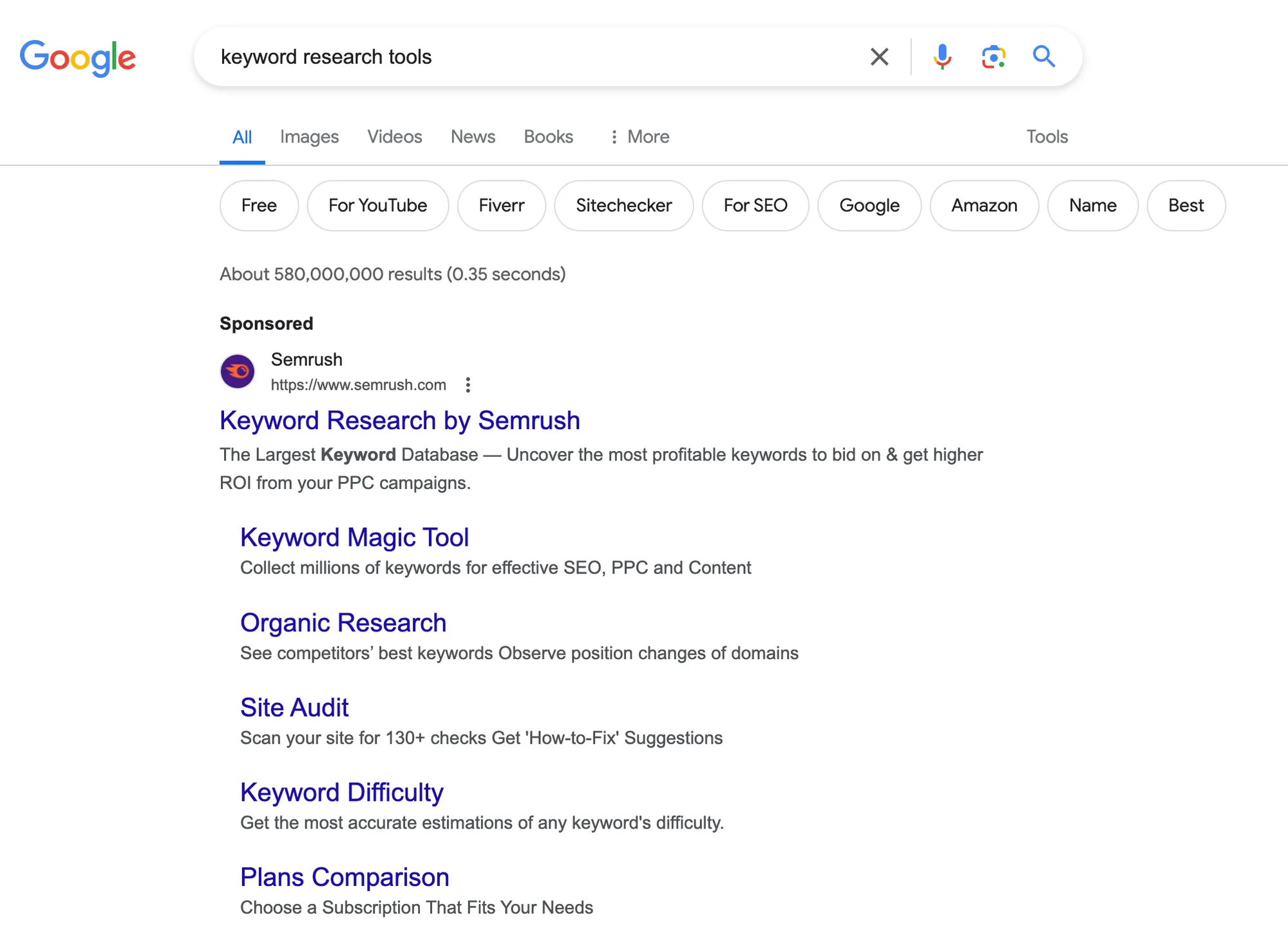
Search ads appear at the top of Google results when someone types a relevant query. If someone searches “networking events Melbourne” or “jazz festival Sydney tickets,” your ad can be the first thing they see.
Search campaigns are intent-driven. The person searching is already interested in what you’re offering – your job is to make sure your ad appears and gives them a reason to click. These campaigns typically deliver the highest conversion rates and work well for events with a shorter lead time (under six months), where you want to capture demand that already exists.
Display campaigns
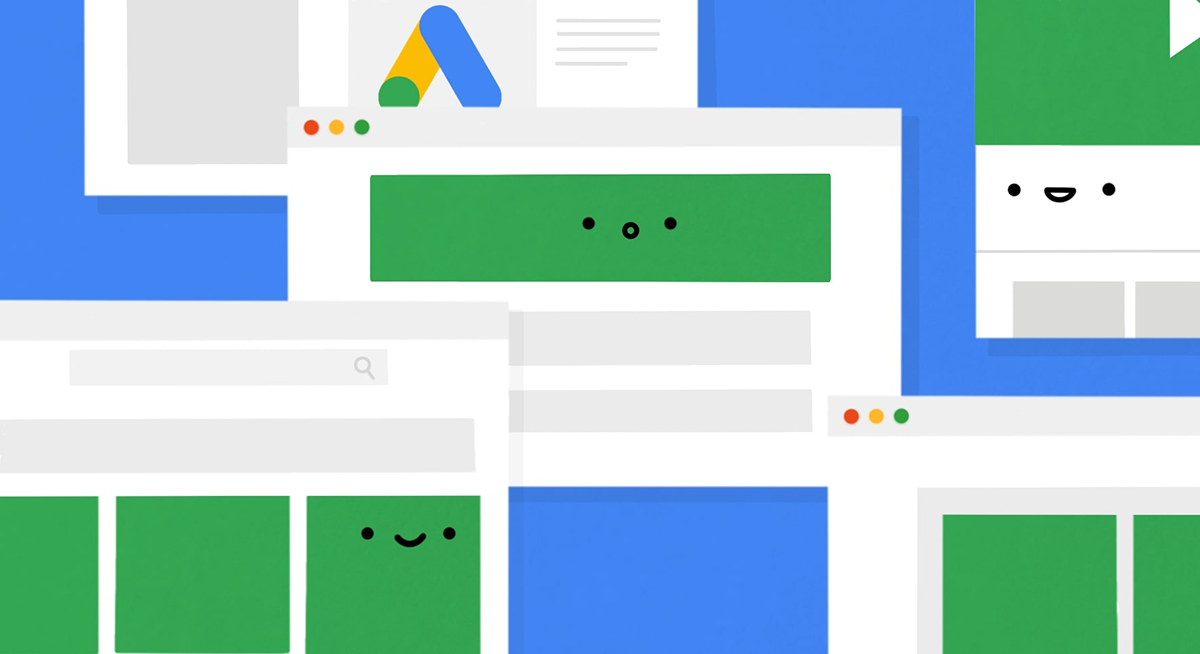
Display ads are visual banners that appear across Google’s network of partner websites – articles, blogs, news sites, apps, and YouTube. Rather than responding to a search query, they’re shown to people who match a profile you define: age, interests, browsing history, location.
Display campaigns are better suited for building awareness ahead of your event, especially when your audience doesn’t know to search for it yet. They’re less expensive per click than search ads but convert at a lower rate. Use them earlier in your campaign window, with search campaigns picking up as the event approaches.
Performance Max campaigns
Performance Max (PMax) is Google’s AI-driven campaign type that runs across all Google channels – Search, Display, YouTube, Gmail, and Google Maps – from a single campaign. You provide creative assets (headlines, descriptions, images, and video if you have it), set your goal and budget, and Google’s system allocates spend across channels in real time.
PMax has become the dominant campaign type for many advertisers and works well once Google has enough conversion data to optimise against. For event organisers, it’s most effective when you’re selling a significant number of tickets (so the algorithm has data to learn from) and when you have a clear, measurable conversion goal – a ticket purchase or registration. It’s less suited to one-off small events where conversion volume will be low.
For most organisers running their first Google Ads campaign, starting with a focused search campaign is simpler and gives you more direct control and transparency over what’s working.
How much should I spend on Google Ads for an event?
Your budget determines the scale of your campaign. There’s no single right answer, but a few principles help:
Start with a daily budget you’re comfortable losing while the campaign is learning. Google’s algorithm needs data to optimise, and the first week or two of a new campaign is often less efficient than it will become. Treat this as a cost of learning.
Work backwards from your ticket price and conversion goal. If a ticket costs $80 and you expect to convert about 3% of ad clicks into sales, you need roughly 33 clicks per ticket sold. If the average cost per click is $2, each ticket through Google Ads costs around $66 in ad spend – a positive return. If the conversion rate is lower or the CPC is higher, the economics change. Estimate before you commit.
Ask whether you’re eligible for Google Ad Grants if you’re a charity or not-for-profit. Eligible organisations can receive up to $10,000 USD per month in free search advertising credit. The program has usage requirements (including maintaining a minimum click-through rate), but for eligible organisations running regular events, it’s worth investigating.
How do I research keywords for event Google Ads?
Keywords are the search terms you’re bidding on. Choose them poorly and you’ll spend money showing ads to the wrong people. Choose them well and you’ll reach people who are genuinely looking for your type of event.
Start by thinking about what your attendees would search for. Not what you’d call your event internally, but the terms a stranger would type when looking for it. For a weekend art workshop: “art workshop Melbourne weekend,” “painting class for adults,” “beginners watercolour workshop.” For a business conference: “tech conference Sydney 2026,” “startup summit tickets,” “SME business event Brisbane.”
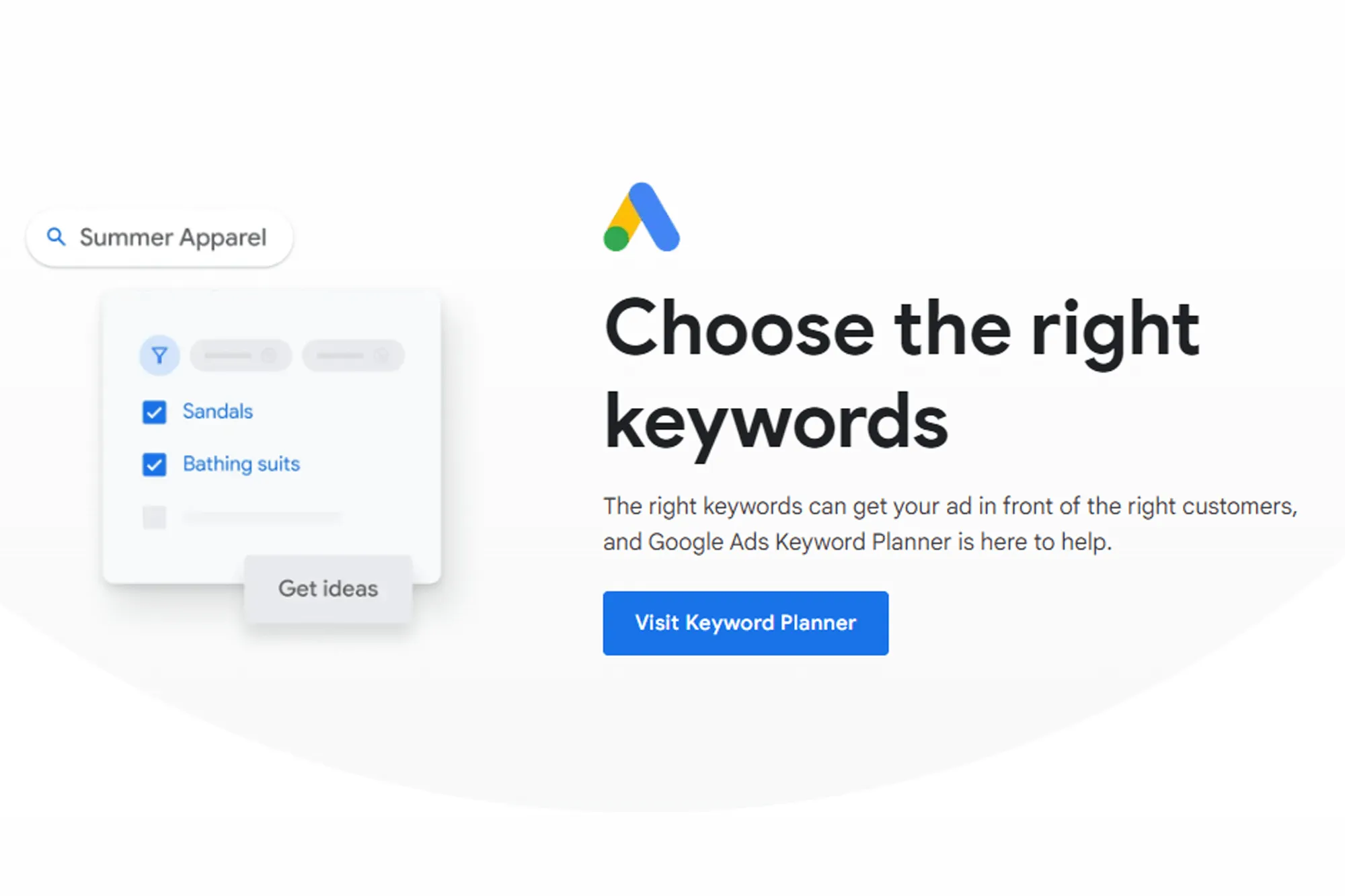
Google’s free Keyword Planner (inside Google Ads) shows search volume and estimated cost per click for any term. Use it to identify which variations are most searched and what they’re likely to cost.
A few keyword strategy principles:
- Use phrase and exact match types rather than broad match when starting out. Broad match lets Google show your ad for loosely related queries, which burns budget quickly. Phrase match and exact match give you more control.
- Add negative keywords – terms you don’t want to trigger your ads. If you’re running a paid event, add “free” as a negative keyword so your ad doesn’t show for “free events Sydney.” Review your search terms report weekly and add negatives as you spot irrelevant queries.
- Include location terms. “Music festival” is competitive and expensive. “Music festival Gold Coast” is more targeted, cheaper, and reaches the people who can actually attend.
Do I need a landing page for my Google Ads campaign?
Clicking an ad and landing on your event’s homepage is a friction point. The person searched for something specific – they want to land on a page that directly matches what they searched for, with a clear way to buy tickets.
If you’re running multiple events or targeting different audience segments, create dedicated landing pages for each. The page should answer: what is this event, when and where is it, why should I come, and how do I buy a ticket. Remove navigation clutter that pulls people off-page before they’ve converted.
TryBooking event pages are clean, mobile-optimised, and built for conversion – you can link directly to your event’s booking page from your ads, which reduces the steps between click and completed purchase. You can also embed a booking widget on your own website if you want the experience to stay within your own domain.
How do I set up conversion tracking for event ads?
Without conversion tracking, you don’t know which clicks turned into ticket sales. You’re flying blind on the most important metric in your campaign.
To track conversions:
- In Google Ads, go to Goals → Conversions → New conversion action
- Select “Website” and follow the setup to generate a tracking tag
- Place the tag on the confirmation page that appears after a successful ticket purchase (the “thank you” page)
- Verify the tag is firing correctly using Google Tag Assistant
Once tracking is in place, Google Ads can optimise your bids toward actual conversions rather than clicks. This is significant – bid strategies like “Maximise conversions” or “Target CPA (cost per acquisition)” only work with conversion data feeding back into the campaign.

How do I target the right audience with Google Ads?
Beyond keywords, Google Ads lets you define who you want to reach. Useful targeting options for events include:
- Location targeting – show ads only to people in your city, region, or within a set radius of your venue
- In-market audiences – people Google has identified as actively researching related topics (e.g., “live events and concerts,” “professional conferences,” “performing arts”)
- Remarketing – show ads to people who’ve already visited your event page but didn’t buy; these are your highest-intent prospects and often convert at much better rates than cold traffic
- Customer Match – upload your existing email list so Google can show ads to people already in your database (useful for converting warm leads who haven’t bought yet)
For most events, location targeting alone is one of the most important settings to get right. There’s no value in paying for clicks from people who can’t realistically attend.
How do I monitor and optimise my Google Ads campaign?
A Google Ads campaign is never finished once it’s live. Check performance at least twice a week:
- Click-through rate (CTR) – if it’s low (below 3–4% for search campaigns), your ad copy may not be resonating, or you’re matching irrelevant queries
- Cost per conversion – is each ticket sale through Google Ads profitable after ad spend?
- Search terms report – what queries are actually triggering your ads? Add negatives for anything irrelevant
- Quality score – a score from 1–10 per keyword reflecting ad relevance, expected CTR, and landing page experience. Low scores mean you’re paying more per click than you should
Scale what’s working (increase budget on high-converting ad groups), pause what isn’t (low-CTR keywords or ads), and adjust targeting if you’re reaching the wrong audience.
When should I start running Google Ads for my event?
Start your campaign early enough to give it time to learn and optimise. A campaign launched two days before your event will underperform one that’s had two weeks to accumulate data. A reasonable rule is to launch two to four weeks before your event (longer for large events or expensive tickets), ramp spend in the final ten days, and pause the campaign after the event date passes.
If you’re using TryBooking and have Google Analytics connected to your account, you can track which traffic sources are driving ticket sales and feed that data back into your Google Ads optimisation. The reporting tools show you total sales by channel, which helps you evaluate return on ad spend accurately.