Social media marketing for events
Social media is one of the most effective tools you have for filling seats – but only if you know what to do beyond posting a graphic and hoping for the best. This guide covers practical, platform-specific strategies for Facebook, Instagram, TikTok, YouTube and LinkedIn, along with the cross-platform principles that tie them together.
How do I choose the right social media platform for my event?
Before you open a single app, answer three questions: who are you trying to reach, where do they spend time online, and what do you want them to do? Not every platform suits every event, and spreading yourself thin across all of them is worse than doing one or two well.
A community festival with a broad local audience? Facebook and Instagram. A corporate conference targeting professionals in a specific industry? LinkedIn, with a supporting YouTube presence. A music event or party targeting under-35s? TikTok and Instagram Reels. Match the platform to your audience, not the other way around.
Decide on your event hashtag early. A single, memorable hashtag applied consistently across all your posts – and used by attendees on the day – creates a searchable archive of content, boosts visibility, and builds a sense of community before, during and after the event. Keep it short, specific and unlikely to be used by anyone else.
Track your links. Use a free tool like Bitly to create distinct tracked links for each platform and post type. This tells you which channels are actually driving ticket sales – essential information for planning future events.
How do I promote my event on Facebook?
Facebook remains the largest social network, and its Events feature is one of the most useful free tools available to event organisers. When someone clicks “Going” or “Interested” on your Facebook Event, their friends see it in their feed – giving your event organic reach beyond your existing followers.
Setting up your Facebook Event
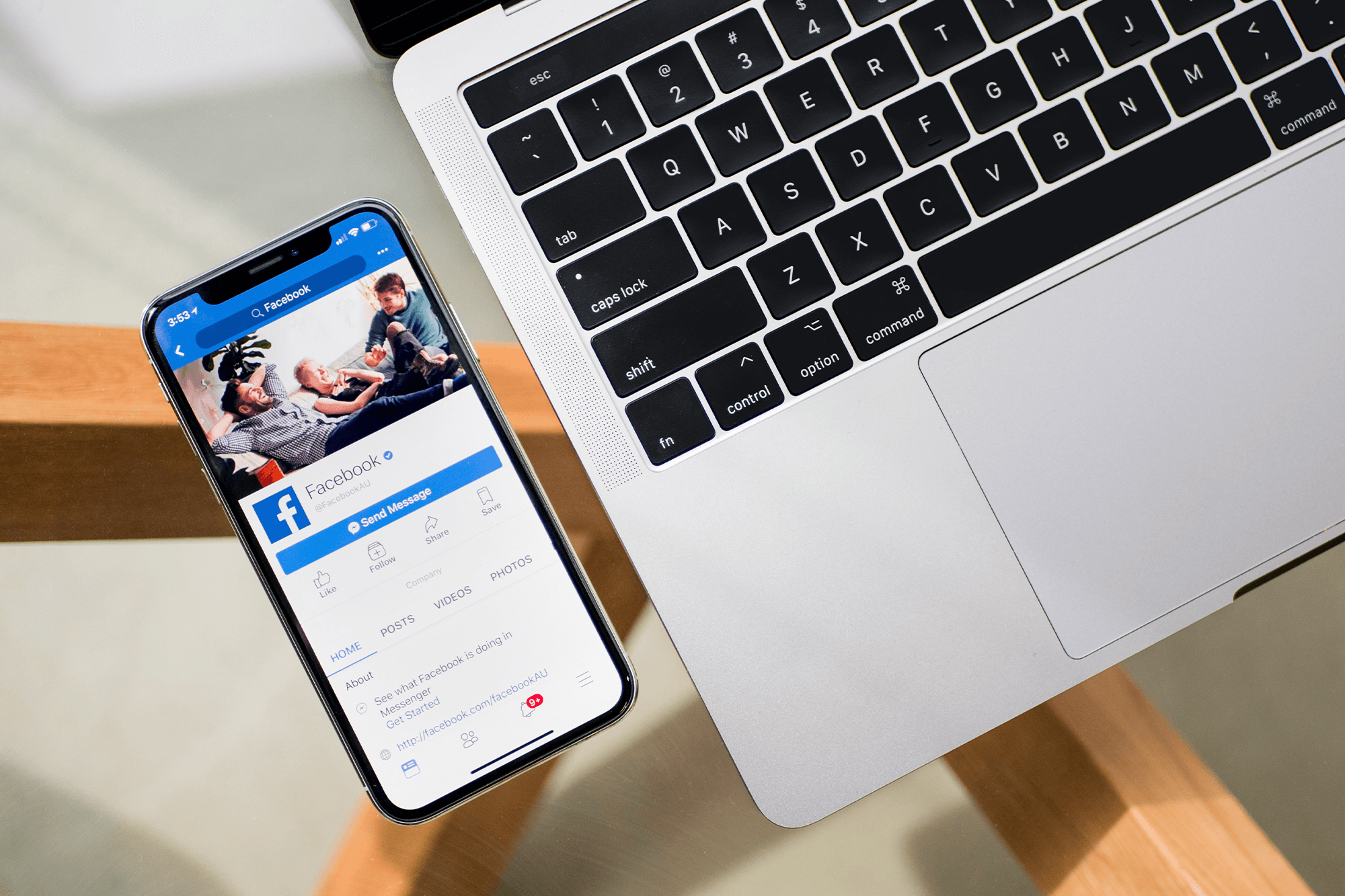
Create a dedicated event page rather than relying on posts alone. Use a banner image sized at 1200 × 628 pixels with clear event details visible at a glance. Write a concise, informative description with the date, location, ticket price and a direct link to your ticketing page. If you have team members or co-organisers, add them as co-hosts – their networks will see the event too.
Pin a post with the ticket link to the top of your Facebook page. Anyone landing on your page should immediately see how to buy.
Organic promotion on Facebook
Post consistently in the weeks leading up to your event: speaker announcements, behind-the-scenes preparation, countdowns and early bird reminders. Join relevant Facebook Groups (local community groups, industry groups, interest groups) and share the event where it’s genuinely relevant – never spam, but a well-placed post in an active group can drive real interest.
Encourage ticket holders to invite their friends directly through the Facebook Event. Social proof matters: an event with 200 people marked as “Going” is far more compelling than one with 12.
Facebook Ads for events
Organic reach on Facebook is limited. If you want your event to reach people outside your existing followers, you’ll need to put some budget behind it.
Facebook offers a dedicated Event Promotion ad objective, which optimises for event responses or conversions to your ticketing page. The core advantage of Facebook Ads is granular audience targeting: you can reach people by age, location, interests, behaviours and even past event attendance (if you upload a customer email list).
A few practical tips:
- Start with a tight geographic radius. Target people who can realistically attend – usually within a 20–30 mile radius for most events, wider for a major conference or festival.
- Upload your existing customer list and create a lookalike audience. Facebook will find people with similar characteristics to your past attendees.
- Test multiple creatives. Run two or three ad variants with different images or headlines to see what resonates, then put more budget behind what’s working.
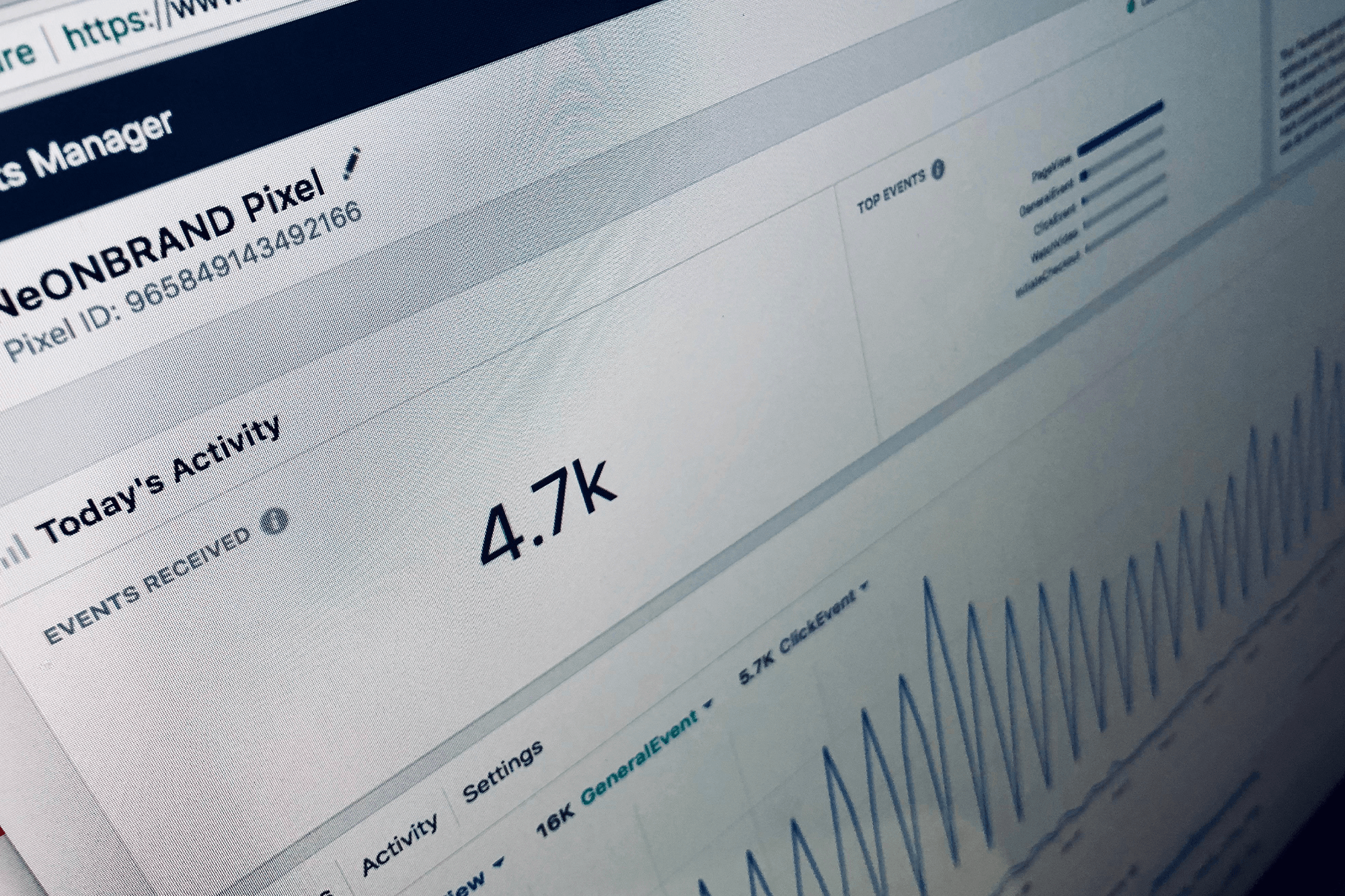
- Install Meta Pixel on your website. This lets you track who visits your ticketing page from Facebook and retarget those who didn’t complete a purchase.
- Calculate your maximum spend before you start. Work out the profit per ticket and how many tickets you need to sell to cover your ad spend. Set a daily budget that keeps you within a sensible return on investment.
Live streaming and post-event content
Facebook Live during the event extends your reach to people who couldn’t attend and creates content for future promotion. Host a short Q&A with a speaker, stream a key moment from the event, or give a behind-the-scenes walkthrough while the room is filling up.
After the event, share photos, video highlights and attendee quotes. This keeps the conversation going and starts building interest in whatever you do next.
How do I use Instagram to market my event?
Instagram rewards visual quality and consistency. It’s particularly effective for events with strong visual appeal – festivals, arts events, food and drink experiences, fitness and wellness – but it works for almost any event if your content is considered.
Set up as a business account
A business account gives you access to performance insights, the ability to run ads and contact buttons in your bio. Set your bio to include the event name, date and a link to tickets. Because Instagram only allows one clickable link in a bio, use a tool like Linktree to host links to multiple events or campaigns.
Reels are your best organic reach tool
Instagram’s algorithm currently favours Reels over static posts for reaching non-followers. Short video content – 15 to 60 seconds – showing the energy of your event, a speaker teaser or a behind-the-scenes moment performs consistently better than graphics for organic discovery. Keep the hook in the first two seconds, add captions (many people watch without sound) and use relevant hashtags.
Stories for engagement and urgency
Stories disappear after 24 hours, which makes them ideal for time-sensitive announcements: early bird closes tonight, last 50 tickets, gates open in three hours. Use the countdown sticker to let followers set a reminder. Use polls and question stickers to engage your audience and generate content – “What are you most excited about?” or “Who’s coming this Saturday?” costs nothing and keeps your event visible.
Instagram Ads
Instagram ads are managed through Meta Ads Manager, the same tool as Facebook. Reels ads and Stories ads currently deliver the strongest results. Let Meta’s broader AI targeting work for you – hyper-narrow interest targeting has become less effective; broad targeting with strong creative often outperforms it.
For event promotion, run Reels ads showing event atmosphere (use footage from previous events if you have it), and Stories ads for last-minute urgency in the final week.
Post-event content
After the event, create a highlights Reel from the day. Encourage attendees to tag your account and use your event hashtag – user-generated content builds credibility for future events more effectively than any ad.
How do I use TikTok to promote my event?
TikTok is the right platform if your audience includes people under 35, or if your event has strong entertainment, music, food, sport or community themes. It’s built on discovery: content from accounts with no followers can reach millions if the video resonates. That said, it requires a different approach to every other platform.
What works on TikTok (and what doesn’t)
Standard promotional graphics don’t work on TikTok. What does work: authentic, energetic, slightly raw short-form video that feels native to the platform. Think announcements that feel like a direct conversation with the viewer, behind-the-scenes moments that are genuinely interesting, or short clips that create curiosity (“You won’t believe what we’re building for this event”).
Keep videos to 15–30 seconds for maximum completion rate, start with a strong hook in the first second, and add captions. Post at least three to four times per week in the lead-up to your event – consistency is rewarded by TikTok’s algorithm.
Influencer and creator collaborations
Micro-influencers (5,000–50,000 followers) in your niche often deliver stronger results for events than large accounts, and are more accessible for mid-size events. A local food blogger promoting a food festival, or a running community account promoting a fun run, can drive genuine ticket sales at low cost. Reach out with a clear brief and offer tickets or a modest fee. Ask them to post during the event as well as before – live content performs strongly on TikTok.
TikTok Ads Manager
If you want guaranteed reach, TikTok Ads Manager allows you to run in-feed ads that appear natively in users’ For You feeds. Target by location, age, interests and behaviours. TikTok also offers location-based targeting and, as of early 2026, a Local Feed that surfaces nearby events and businesses to relevant users – useful for events with a strong local catchment.
The most important factor in TikTok advertising is the creative itself. Ads that look like ads get skipped; ads that look like content get watched. Match the tone and style of organic TikTok, and include a clear call to action (“Get your tickets – link in bio”).
Repurpose your TikTok content
A TikTok video you’ve made for your event is also usable as an Instagram Reel, Facebook Story or YouTube Short. Repurposing good content across platforms multiplies the return on time spent creating it.
How do I use YouTube for event promotion?
YouTube’s strength for event promotion is longevity and searchability. A well-made video lives on your channel, can be found via search months later and builds audience trust in a way that a fleeting Instagram story can’t. It’s best suited for events with a recurring audience (annual festivals, recurring community events, regular conference series) where building a subscriber base compounds over time.
What to publish
Teaser and announcement videos – 60 to 90 seconds introducing the event, dates and what’s new this year. Include your key selling points early; viewers can skip after five seconds on ads, and attention drops off quickly on organic videos too.
Speaker or performer interviews – Short interview clips (two to five minutes) with speakers, artists or guests work well as both standalone content and repurposed clips for other platforms. Put the interviewee’s name in the video title.
Behind-the-scenes content – Venue setup, production in progress, the team preparing. This kind of content builds authenticity and anticipation.
YouTube Shorts – Short clips of 15 to 60 seconds that feed into YouTube’s discovery algorithm and can reach viewers who don’t follow your channel. Shorts are YouTube’s fastest-growing format and are a low-effort way to stay visible.
Live streams during the event – YouTube Live lets you stream to registered viewers and an open public feed simultaneously. For events with sellout capacity, a live stream creates an additional audience and a recording that can be repurposed.
YouTube SEO
YouTube is the world’s second-largest search engine. Optimise your videos by including relevant keywords in the title, description and tags. If someone searches “jazz festival Manchester” or “corporate conference speakers 2026”, a well-optimised video gives you a chance to appear. Write video descriptions of at least 150 words, include a link to your ticketing page in the first two lines, and add closed captions for accessibility and search indexing.
YouTube Ads
YouTube ads are managed via Google Ads. Skippable in-stream ads (the ones that play before other videos) work well for events when you put the most compelling 5 seconds first – your event name, the key hook and any must-know details. Use location targeting to focus spend on your catchment area, and leverage past event data to build remarketing lists and lookalike audiences.
How do I promote a professional event on LinkedIn?
LinkedIn is a specialist tool for professional events: industry conferences, trade shows, networking events, seminars, workshops and professional development programmes. It’s not the right choice for a community festival or live music event, but for anything with a B2B audience, it’s often the most direct path to the right people.
LinkedIn Events
LinkedIn has a dedicated Events feature that lets you create an event page, invite connections, promote to followers and track RSVPs. When attendees register, LinkedIn may notify a subset of their connections – generating organic reach within professional networks. You can also go live directly on LinkedIn for webinars and hybrid events.
Organic promotion
Post consistently about the event from both your personal profile and your company page. Content that performs well on LinkedIn for event promotion includes speaker announcements, session previews, industry insights from speakers (positioning your event as a thought-leadership destination) and attendee testimonials from previous events.
Engage with comments on your posts, and connect with potential attendees directly. A personalised message to a relevant connection is far more effective than a blanket promotional email.
LinkedIn Ads
LinkedIn advertising is more expensive than Facebook or Instagram on a cost-per-click basis, but the targeting is unmatched for professional audiences. You can target by job title, seniority, industry, company size, skills and professional interests. Sponsored content (posts that appear in the feed) and message ads (direct to a professional’s inbox) work well for event promotion.
For most event organisers using LinkedIn Ads, the clearest use case is promoting a high-ticket conference or professional event to a specific industry audience – the targeting precision justifies the higher cost.
What are the key principles for social media event marketing?
Video outperforms static. Across every platform, short-form video consistently delivers higher reach and engagement than static images. If you can do only one thing to improve your social media promotion, invest time in making short videos.
Consistency matters more than frequency. Posting three times a week consistently for six weeks is better than posting daily for one week and going silent. Build a simple content calendar: what gets posted, where and when.
Build a content timeline. A typical campaign runs from six weeks before the event to one week after. Phase your content: awareness (event announcement, speaker reveals) → interest (behind-the-scenes, early bird offers) → urgency (ticket reminders, countdowns) → live (day-of content) → post-event (highlights, thank you, next event teaser).
Post-event content is underused. Most event organisers stop posting the day after the event. In reality, highlight videos, attendee photos and thank-you posts extend your reach to people who didn’t attend and build credibility for next time.
Your database is your best audience. Before spending money on ads, use your existing email list, past attendee data and direct messages to warm up the people most likely to come. Early ticket sales from your core audience create social proof that makes it easier to attract new attendees.
How can TryBooking help with social media event marketing?
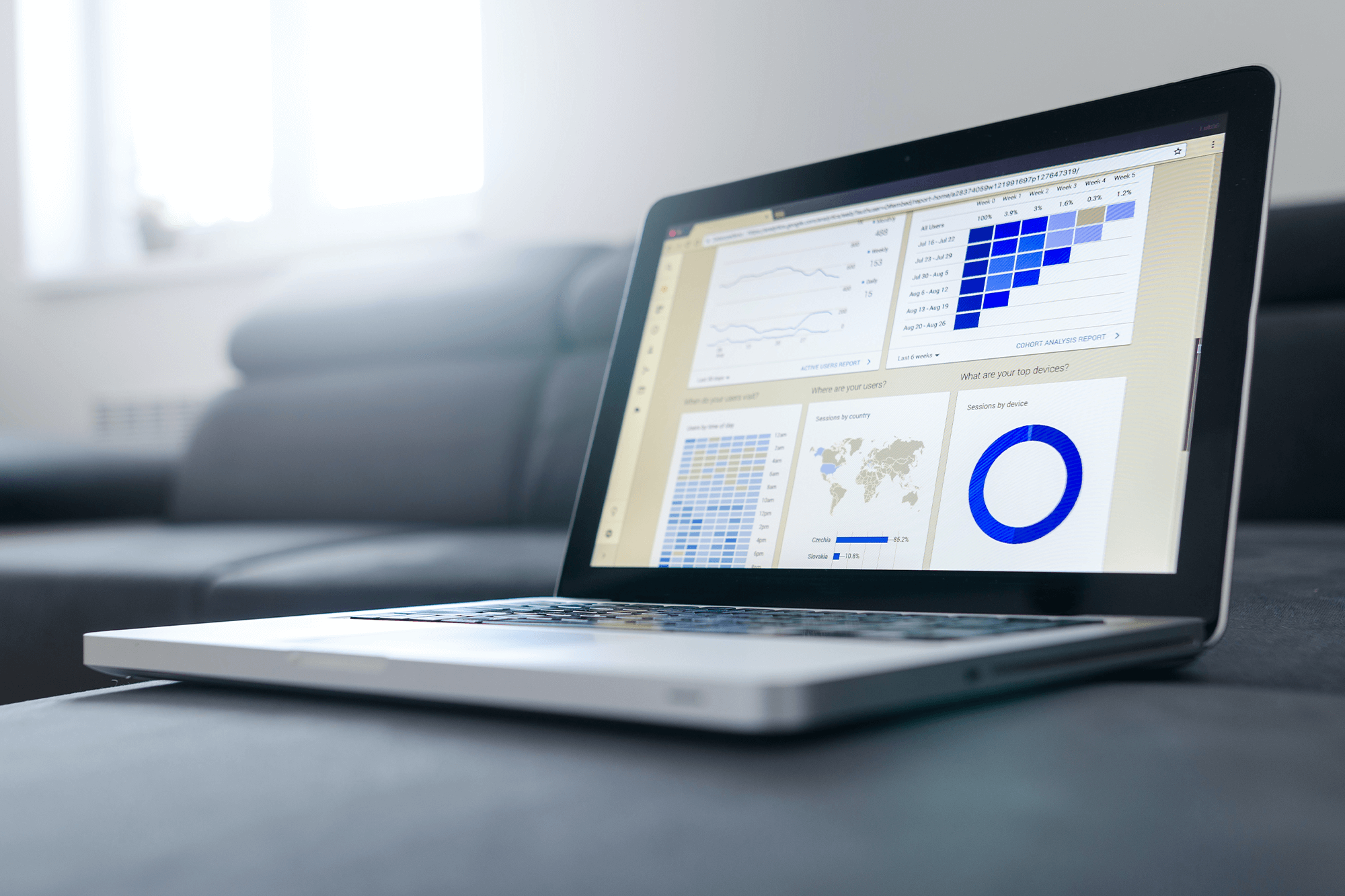
If you’re using TryBooking to sell tickets, you can add your Meta Pixel to your event pages to track visits and conversions from your Facebook and Instagram ads directly – giving you accurate data on which campaigns are driving sales. You can also pin your TryBooking event URL in a post at the top of your Facebook page and as the link in your Instagram bio, creating a clear, direct path from every social post to the ticket purchase page.
TryBooking’s reporting features let you see which referral sources are driving bookings, so you can review what worked across your social channels and refine your approach for the next event.